
Topaz Photo AI
Acquired by Adobe (2026) — still available under its own name.
AI image enhancement — sharpen, denoise, upscale & restore
More
Quick Answer
Topaz Photo AI is an image enhancement software for creative professionals and studios. It supports images processed by clients like Nike, Google, and Coca-Cola. Best for on-location photographers. Paid plans available.
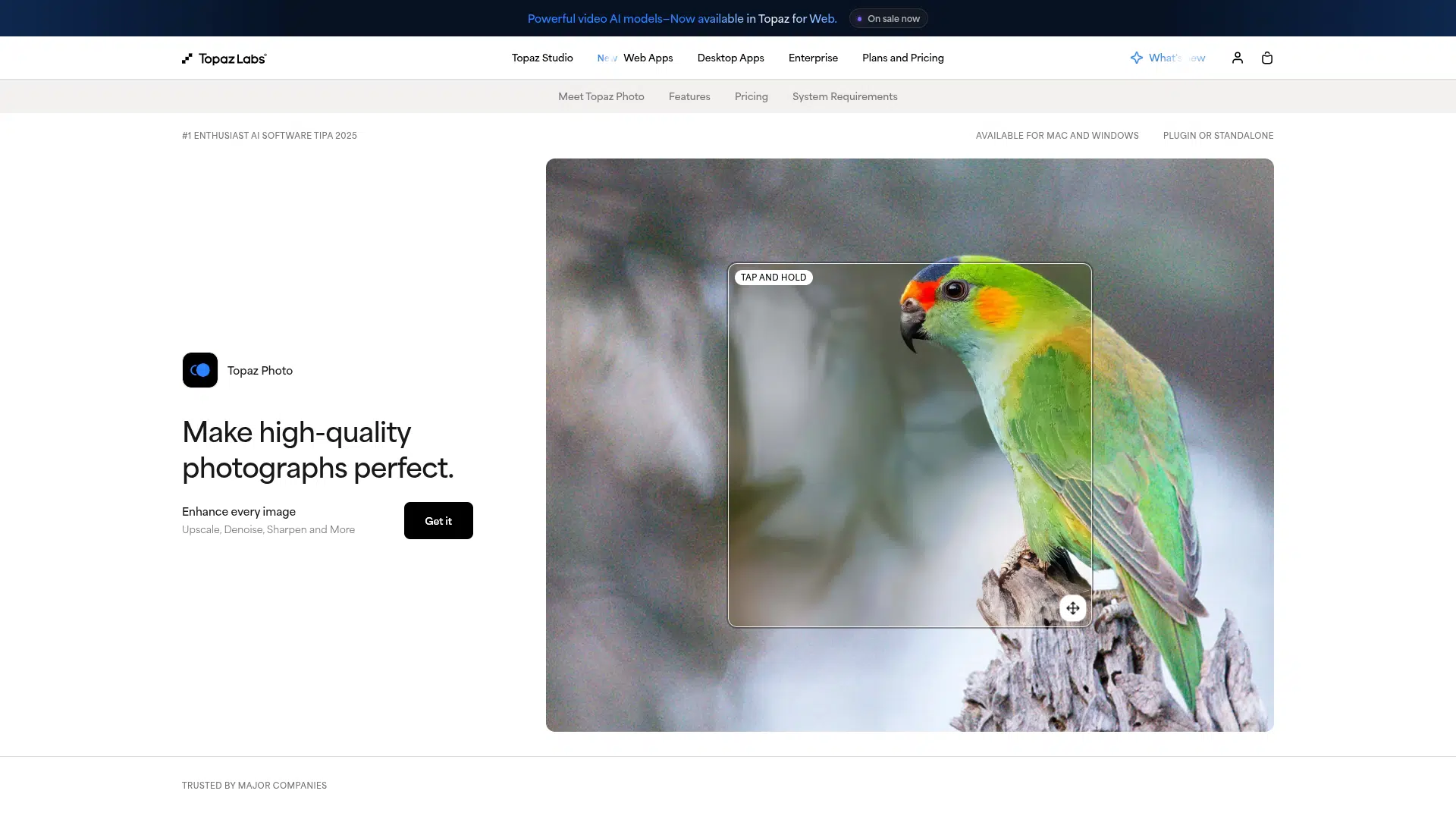
Topaz Photo AI is an AI-powered image enhancement tool for photographers and creative professionals. It offers features like unblur, sharpen, denoise, and upscale to improve image quality. The tool is available as desktop software for Mac and Windows, as a standalone app or a plugin. Paid plans are available for individual apps or a full suite.
Topaz Photo AI offers a comprehensive suite of AI models for image enhancement, including specialized tools for unblurring, sharpening, denoising, and upscaling, available on Mac and Windows as a standalone app or a plugin.
Decision Intelligence
Best For
AIType
Starting Price
$12/mo
Billing Cycle
Monthly
Free Trial
No
Credit Card
Not Required
Free Plan
No
Dimension Scores
· 5.2 avgHow good it is, across universal quality axes
Task Scores
· 2.4 avgWhat it can do, on category-specific tasks · showing 8 of 40 tasks scoring 5+
Scores are AI-estimated from publicly available data — not an independent test or a verified user rating. How we rank →
- -Limited commercial use for organizations under $1M USD annual revenue on personal plans
- -Monthly cloud video credits expire and do not roll
- -Image export limit of 32MP on Web products for personal plans
- -Image export limit of 100MP on Web products for Studio Pro
Complexity
Company Size
Target Team Size
Target Skill Level
Privacy & data handling
The Model(s) Behind It
Model details — extracted from public vendor sources by our pipeline (AI extraction plus a source check) or admin-entered. Shown as claimed by the vendor; not independently audited by Intelloro.
Trust Score
Excellent
Based on 9 data signals
Confidence: High
Reflects publicly available data, not an independent audit
No published data
Not yet checked
Some details are AI-generated estimates — verify with the vendor.
AI-generated estimate: Best For, Limitations
How we source dataAI Governance & Regulatory Disclosures
Legally-sensitive fields — extracted from public vendor sources by our pipeline (AI extraction plus a source check) or admin-entered. Shown as claimed by the vendor; not independently audited by Intelloro.
Pricing verified from the vendor pricing page.
User Reviews
No reviews yet. Be the first to review!
Top Topaz Photo AI alternatives in the same category, ranked by quality.

Photoroom
AI-Powered Photo Editor and Listing Studio for Product Photography

Remove.bg
Remove Image Background — 100% automatic and free

Fotor
Free Online Photo Editing & Image Editor

Adobe Lightroom
AI photo editing & organizing for desktop, web & mobile

Clipdrop
Create stunning visuals in seconds with AI

Luminar
Easy photo editing software for Mac and PC
Looking for more Topaz Photo AI alternatives?
Explore our complete list of alternatives with filters for free, cheaper, and higher-rated options.
Who It's For3 rolesGraphic DesignersArt DirectorsWeb and Digital Interface Designers
Platform, Content & Languages2 content types1 languagesImageVideoEnglish+4 more
Content Types
Accepts
Produces
Frequently Asked Questions
What can Topaz Photo AI do?
Topaz Photo AI can: Unblur images, Sharpen images, Denoise images, Upscale images up to 16x. Best for: On-location photographers needing image enhancement.
How much does Topaz Photo AI cost?
Topaz Photo AI is a paid tool starting from $12/month.
Is Topaz Photo AI free?
No, Topaz Photo AI is a paid tool. Check the official pricing page for current plans.
What makes Topaz Photo AI unique?
Topaz Photo AI offers a comprehensive suite of AI models for image enhancement, including specialized tools for unblurring, sharpening, denoising, and upscaling, available on Mac and Windows as a standalone app or a plugin.
Does Topaz Photo AI have an API?
Yes, Topaz Photo AI offers a public API for developers to integrate its capabilities into custom applications and workflows.
What platforms does Topaz Photo AI support?
Topaz Photo AI is available on desktop.
What languages does Topaz Photo AI support?
Topaz Photo AI supports English.
Does Topaz Photo AI work offline?
Yes, Topaz Photo AI supports offline use — you can run it without an active internet connection.
Who is Topaz Photo AI for?
Topaz Photo AI is designed for On-location photographers needing image enhancement; Creative professionals enhancing video quality; Studios and commercial teams requiring advanced features.