
Microsoft Clipchamp
Acquired by Microsoft (2021) — still available under its own name.
Online video editor by Microsoft
More
Quick Answer
AIMicrosoft Clipchamp is a web and desktop video editor for creators and businesses. It offers AI features like text-to-speech and auto-subtitle generation. Best for everyday video editors making social media content or promo videos. Freemium pricing.
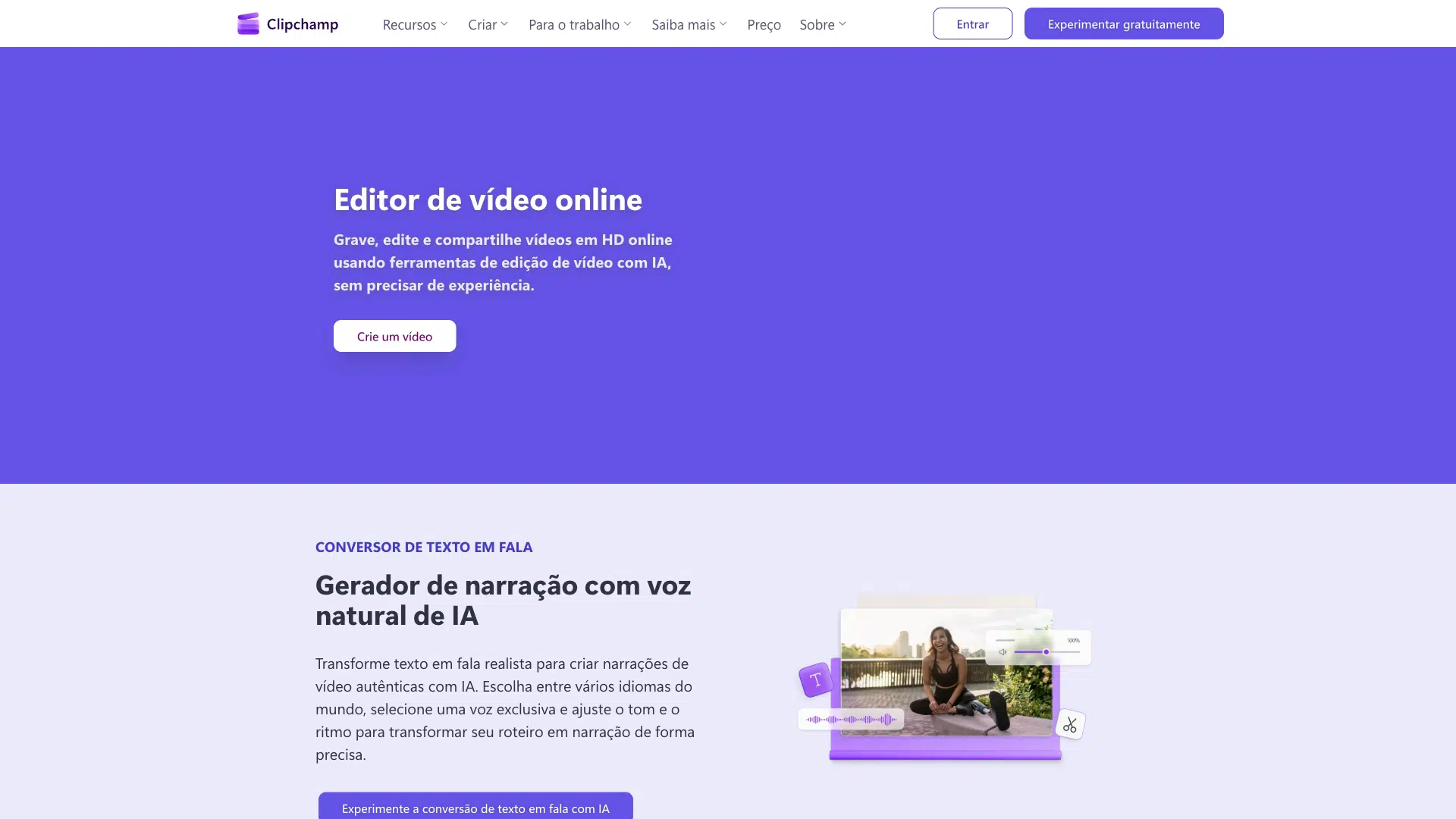
Microsoft Clipchamp is an online video editor that empowers anyone to tell stories worth sharing with video. It offers AI-powered tools like text-to-speech, subtitle generation, and audio enhancement. The tool is available for free with basic features, and premium features are included with Microsoft 365 Personal and Family plans.
Clipchamp is an integral part of the Microsoft 365 suite, offering both in-browser and desktop app experiences for Windows users, with premium features accessible via a Microsoft 365 subscription.
Decision Intelligence
Best For
AIType
Free Trial
No
Credit Card
Not Required
Free Plan
Yes
Dimension Scores
· 4.5 avgHow good it is, across universal quality axes
Task Scores
· 5.0 avgWhat it can do, per category it works in · showing 6 of 10 tasks scoring 5+
Scores are AI-estimated from publicly available data — not an independent test or a verified user rating. How we rank →
- -Premium features like 4K UHD video exports and premium stock assets require a Microsoft 365 Personal or Family subscription.
- -Brand kit tool is limited to a single brand on the Premium plan.
- -Free plan users cannot export videos that include premium stock assets.
Complexity
Company Size
Target Team Size
Target Skill Level
Privacy & data handling
The Model(s) Behind It
Model details — extracted from public vendor sources by our pipeline (AI extraction plus a source check) or admin-entered. Shown as claimed by the vendor; not independently audited by Intelloro.
Content backup and storage
Cloud storage integration
Video sharing and publishing
Video sharing and publishing
Video sharing and publishing
Direct access to Xbox clips
Add GIFs to videos
Auto-updated
Trust Score
Good
Based on 5 data signals
Confidence: High
Reflects publicly available data, not an independent audit
No published data
Not yet checked
Some details are AI-generated estimates — verify with the vendor.
AI-generated estimate: Best For, Description, Limitations, Quick Answer, What Makes Unique
How we source dataAI Governance & Regulatory Disclosures
Legally-sensitive fields — extracted from public vendor sources by our pipeline (AI extraction plus a source check) or admin-entered. Shown as claimed by the vendor; not independently audited by Intelloro.
Switching & Migration
Pricing verified from the vendor pricing page.
User Reviews
No reviews yet. Be the first to review!
Top Microsoft Clipchamp alternatives in the same category, ranked by quality.

Descript
AI Video & Podcast Editor

Async
Make videos like you have a team — AI creative suite

Submagic
Edit shorts 10x faster with AI

Opus Clip
#1 AI video clipping and editing tool

Kapwing
Make a Video About Anything

AutoCut
AI plugin to edit faster in Premiere Pro & DaVinci Resolve
Looking for more Microsoft Clipchamp alternatives?
Explore our complete list of alternatives with filters for free, cheaper, and higher-rated options.
Who It's For3 rolesFilm and Video EditorsProducers and DirectorsSpecial Effects Artists and Animators
Platform, Content & Languages5 content types25 languagesVideoAudioTextEnglishGerman+31 more
Output Languages
Content Types
Publishes to
Accepts
Produces
Frequently Asked Questions
What can Microsoft Clipchamp do?
Microsoft Clipchamp can: AI text to speech generation, AI subtitle generation in over 80 global languages, Screen, camera, and voice recording, AI audio enhancement and noise suppression. Best for: Everyday video editors creating social media content.
How much does Microsoft Clipchamp cost?
Microsoft Clipchamp offers a free plan.
Is Microsoft Clipchamp free?
Microsoft Clipchamp offers a free plan with limited features. Paid upgrades are available for advanced usage.
What makes Microsoft Clipchamp unique?
Clipchamp is an integral part of the Microsoft 365 suite, offering both in-browser and desktop app experiences for Windows users, with premium features accessible via a Microsoft 365 subscription.
What platforms does Microsoft Clipchamp support?
Microsoft Clipchamp is available on web and desktop.
What languages does Microsoft Clipchamp support?
Microsoft Clipchamp supports 25 languages including English, German, Spanish, French, Indonesian, and more.
Who is Microsoft Clipchamp for?
Microsoft Clipchamp is designed for Everyday video editors creating social media content; Creators making YouTube, TikTok, and Instagram videos; Businesses producing promo and demo videos.