
QuickSteps
Capture workflows, generate guides instantly.
More
Quick Answer
AIQuickSteps is a productivity tool for teams to capture browser workflows and generate AI documentation. It supports exports to HTML, PDF, and video, including advanced server-side rendering. Best for documentation-heavy teams and individual professionals needing quick workflow guides. Free plan available; Pro from $9/month.
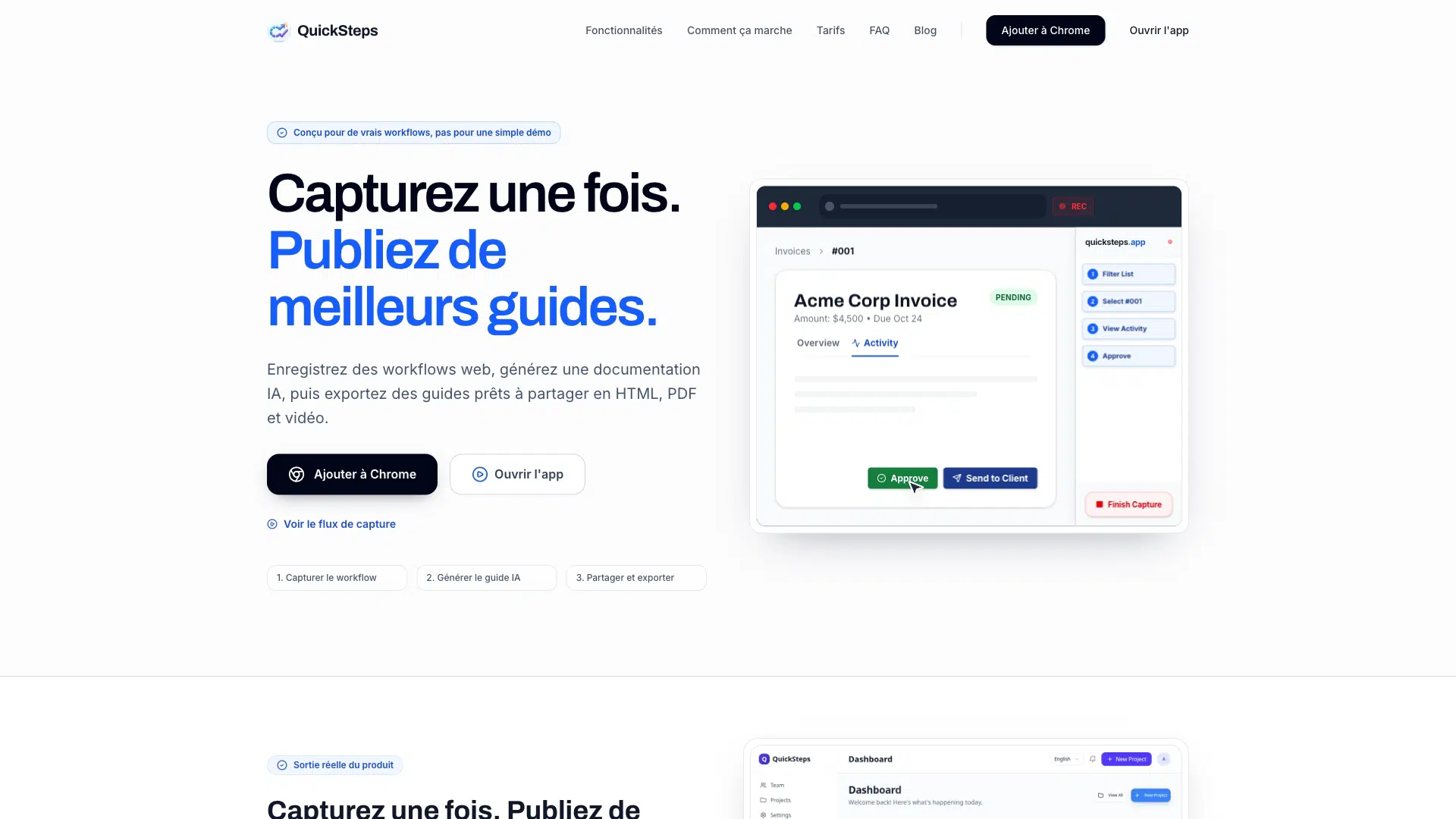
QuickSteps is a browser extension and web app for teams to record browser workflows, generate AI documentation, and export share-ready guides. It captures clicks, inputs, and navigation, then uses AI to draft step titles and descriptions. QuickSteps offers HTML, PDF, and video exports, including advanced server-side rendering options.
QuickSteps automates documentation by capturing real browser workflows and instantly generating AI-powered guides in multiple languages, with variable-safe text and advanced video rendering.
Decision Intelligence
Best For
AIType
Free Trial
No
Credit Card
Not Required
Free Plan
Yes
Dimension Scores
· 4.5 avgHow good it is, across universal quality axes
Task Scores
· 3.7 avgWhat it can do, per category it works in · showing 3 of 10 tasks scoring 5+
Scores are AI-estimated from publicly available data — not an independent test or a verified user rating. How we rank →
- -Capture quality depends on DOM stability
- -Does not store full card numbers
- -Does not guarantee uninterrupted availability (Terms of Use)
- -Features may depend on subscription, quotas, or third-party integrations (Terms of Use)
- -Requires review of guides before operational, customer-facing, or regulated use (Terms of Use)
Complexity
Company Size
Target Team Size
Target Skill Level
Privacy & data handling
The Model(s) Behind It
Model details — extracted from public vendor sources by our pipeline (AI extraction plus a source check) or admin-entered. Shown as claimed by the vendor; not independently audited by Intelloro.
Trust Score
Insufficient data
Not enough verifiable data to score yet
Evidence: 2 of 11 expected facts verified
Evidence strength: Strong
Reflects publicly available data, not an independent audit
No published data
Not yet checked
Some details are AI-generated estimates — verify with the vendor.
AI-generated estimate: Best For, Description, Limitations, Quick Answer, Tagline, What Makes Unique
How we source dataAI Governance & Regulatory Disclosures
Legally-sensitive fields — extracted from public vendor sources by our pipeline (AI extraction plus a source check) or admin-entered. Shown as claimed by the vendor; not independently audited by Intelloro.
Switching & Migration
- 5 cloud projects
- 10 AI docs/month
- PDF export
- Public sharing
- Chrome extension
- Community support
- Unlimited projects
- 100 AI docs/month
- PDF, HTML, Markdown export
- Password protected sharing
- No watermark
- Basic analytics
- Everything in Pro
- Unlimited AI docs
- Up to 10 team members
- Custom logo
- Advanced analytics
- API access
- Everything in Team
- Unlimited team members
- SSO authentication
- Dedicated support
- Custom integrations
- SLA guarantee
Pricing verified from the vendor pricing page.
User Reviews
No reviews yet. Be the first to review!
Top QuickSteps alternatives in the same category, ranked by quality.

Notion AI
Meet your 24/7 AI team

Superhuman
Mail, Docs, and AI that works everywhere

Reclaim AI
AI Calendar for Work & Life

Mem
Your AI chief of staff

QllmDocs
The AI Document & Knowledge Management Platform for Enterprise Teams

Saga AI
The AI Workspace for your team — notes, docs, and tasks
Looking for more QuickSteps alternatives?
Explore our complete list of alternatives with filters for free, cheaper, and higher-rated options.








Who It's For3 rolesGeneral and Operations ManagersProject Management SpecialistsExecutive Secretaries and Executive Administrative Assistants
Platform, Content & Languages3 content types2 languagesTextVideoDocumentEnglishFrench+7 more
Output Languages
Content Types
Accepts
Produces
Frequently Asked Questions
What can QuickSteps do?
QuickSteps can: Smart Capture of browser interactions, AI Guide Generation in multiple languages, Export to HTML, PDF, and video, Pro Render for server-side MP4 rendering. Best for: Documentation-heavy teams streamlining guide creation.
How much does QuickSteps cost?
QuickSteps offers a free plan, with paid plans starting from $9/month.
Is QuickSteps free?
QuickSteps offers a free plan with limited features. Paid upgrades are available for advanced usage.
What makes QuickSteps unique?
QuickSteps automates documentation by capturing real browser workflows and instantly generating AI-powered guides in multiple languages, with variable-safe text and advanced video rendering.
Does QuickSteps have an API?
Yes, QuickSteps offers an API on its enterprise plan. Contact their sales team for access.
What platforms does QuickSteps support?
QuickSteps is available on web and browser extension.
What languages does QuickSteps support?
QuickSteps supports 2 languages: English, French.
Who is QuickSteps for?
QuickSteps is designed for Documentation-heavy teams streamlining guide creation; Support teams creating reusable task guides; Operations teams documenting SOPs from ERP/CRM apps.